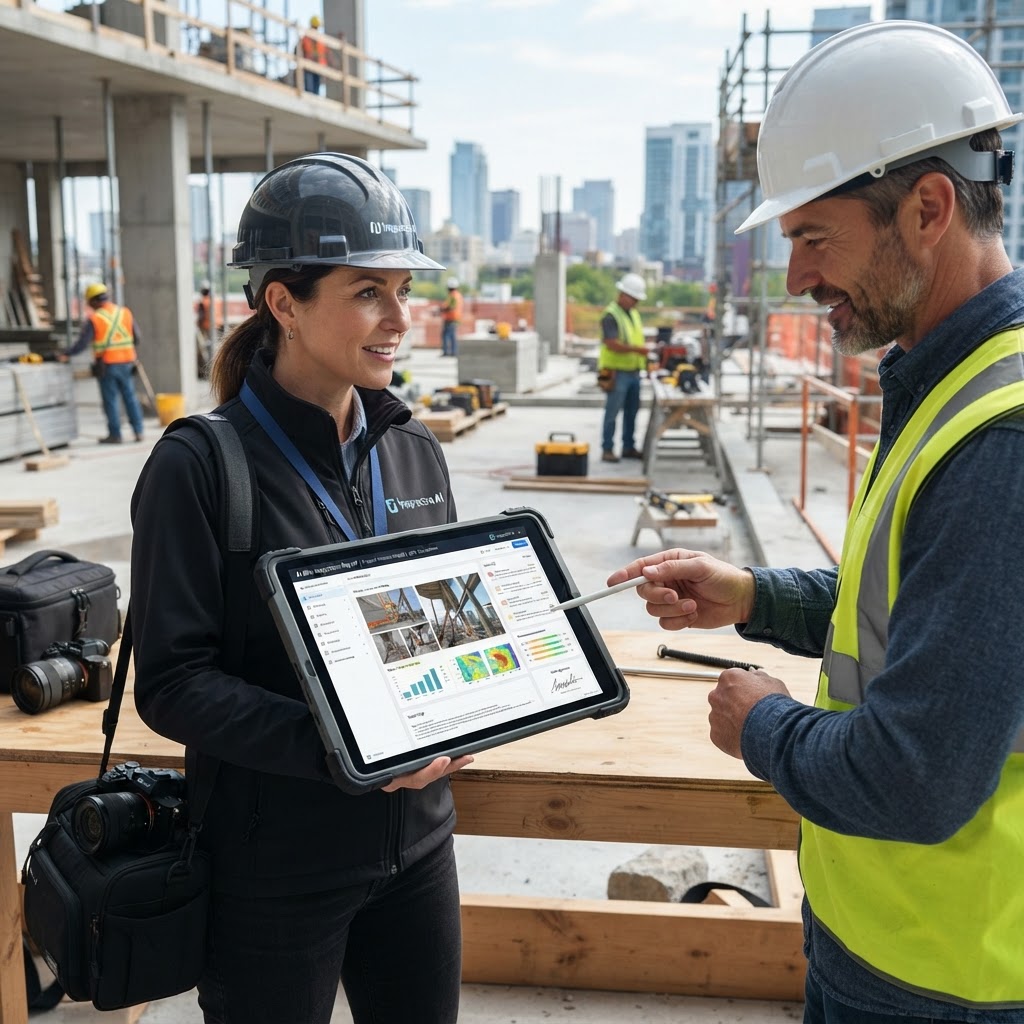
From Site Photos to Professional Reports: The Builder's Guide to AI Inspection Apps
For builders, every detail on a construction site matters. From the foundation pour to the final punch list, meticulous inspections are crucial for quality control, safety compliance, and project timelines. Yet, the traditional process of conducting site inspections – taking photos, jotting down notes, and then manually compiling them into comprehensive reports – is often a bottleneck, consuming valuable time and resources. What if you could transform your site photos directly into professional, structured inspection reports with minimal effort? This guide explores how an AI photo-to-report app for builders can revolutionize your workflow, ensuring accuracy, efficiency, and consistency across all your projects.
The Challenge: Manual Site Inspections for Builders
Builders face unique pressures. Deadlines are tight, budgets are strict, and the margin for error is slim. Manual inspection processes, while familiar, often introduce inefficiencies and risks that can impact project success.
Time-Consuming Documentation
After a thorough site walk, the real work often begins back at the office. Uploading hundreds of photos, cross-referencing them with handwritten notes, typing out descriptions, and formatting reports can take hours, sometimes even days. This time could be better spent managing crews, coordinating subcontractors, or addressing critical issues on site.
Inconsistent Reporting
Different inspectors or supervisors might use varying terminology, report structures, or levels of detail. This inconsistency can lead to confusion, miscommunication, and difficulties in tracking progress or identifying recurring issues across multiple projects. A lack of standardization can also complicate compliance audits and dispute resolution.
Communication Gaps
Getting critical information from the field to the office, and then to relevant stakeholders like subcontractors, clients, or project managers, can be slow and fragmented. Delays in reporting mean delays in action, potentially leading to costly rework, schedule overruns, or safety hazards that go unaddressed for too long.
Introducing AI Photo-to-Report Inspections for Builders
The advent of artificial intelligence is changing how industries operate, and construction is no exception. An AI photo-to-report app for builders leverages advanced AI algorithms to analyze site photos and automatically generate detailed, structured inspection reports. This isn't just about digitizing existing processes; it's about intelligent automation that understands the context of your images.
Imagine taking a photo of a cracked foundation, a misaligned beam, or a safety violation. Instead of just having an image, the AI can identify the defect, categorize it, suggest a severity level, and even pre-fill report sections with relevant details. This capability transforms raw visual data into actionable intelligence, streamlining the entire reporting lifecycle.
Key benefits of adopting AI photo-to-report inspections:
- Significant Time Savings: Automate report generation, freeing up valuable time for builders and their teams.
- Enhanced Accuracy: Reduce human error in data entry and ensure consistent identification of issues.
- Standardized Reports: Maintain a uniform reporting structure across all projects and inspectors.
- Improved Communication: Share clear, concise, and professional reports instantly with all stakeholders.
- Better Decision-Making: Access organized data for trend analysis, risk assessment, and proactive problem-solving.
How Inspectra AI Transforms Your Inspection Workflow
Inspectra AI is an innovative AI inspection app designed specifically to turn site photos into professional, structured inspection reports automatically. For builders, this means a dramatic shift from tedious manual tasks to an efficient, intelligent workflow.
Here’s how Inspectra AI streamlines your inspection process:
- Capture On-Site: Using your smartphone or tablet, simply take photos of your construction site. Inspectra AI's intuitive interface makes capturing multiple angles and details quick and easy.
- AI Analysis: Once photos are uploaded, Inspectra AI's powerful algorithms get to work. It analyzes each image, identifying common construction elements, potential defects, progress milestones, and safety concerns. The AI can recognize specific issues like water damage, structural anomalies, or incomplete work based on visual cues.
- Automated Report Generation: Based on the AI's analysis, Inspectra AI automatically populates a customizable report template. It organizes photos, adds descriptions, categorizes findings, and even suggests severity levels. You can review, edit, and add any specific notes or recommendations.
- Professional Output: Within minutes, you have a comprehensive, professional-grade inspection report ready to share. These reports are structured, easy to read, and can be exported in various formats (e.g., PDF) suitable for clients, subcontractors, and internal teams.
Practical applications for builders using Inspectra AI:
- Pre-Pour Inspections: Document rebar placement, formwork, and utility rough-ins with photographic evidence, ensuring everything is to spec before concrete is poured.
- Framing Inspections: Quickly identify issues with structural framing, bracing, and sheathing, ensuring compliance with building codes and plans.
- Quality Control Checks: Conduct regular quality checks on finishes, installations, and materials, automatically flagging any deviations from standards.
- Punch Lists: Generate detailed punch lists with photos of each item, assigning responsibilities and tracking completion efficiently.
- Safety Audits: Document safety hazards and compliance issues, creating clear reports for immediate action and record-keeping.
By leveraging Inspectra AI, builders can significantly reduce the administrative burden of inspections, allowing them to focus more on managing the actual construction process and ensuring project quality.
Key Features to Look for in a Builder's Inspection App
When evaluating an AI photo-to-report app for your building operations, consider these essential features that will maximize its utility and impact:
- AI-Powered Photo Analysis: This is the core functionality. The AI should be capable of accurately identifying and categorizing a wide range of construction-related elements and defects from images.
- Customizable Templates: Builders need flexibility. The app should allow you to create and customize report templates to match your specific project types, company branding, and regulatory requirements.
- Offline Capabilities: Construction sites often have spotty internet access. An effective app must allow inspectors to capture photos and notes offline, syncing data once a connection is re-established.
- Collaboration Tools: Features that enable team members to share reports, add comments, assign tasks, and track progress directly within the app are invaluable for efficient project management.
- Cloud Storage & Accessibility: Secure cloud storage ensures that all your inspection data is backed up, easily accessible from any device, and can be retrieved for future reference or audits.
- Detailed Annotation & Mark-up: The ability to add arrows, circles, text, and other annotations directly onto photos enhances clarity and highlights specific issues.
- Export Options: Reports should be easily exportable in common formats like PDF, CSV, or XML, facilitating integration with other project management or accounting software.
- User-Friendly Interface: The app must be intuitive and easy for field teams to learn and use, minimizing training time and maximizing adoption.
- Data Security & Privacy: Given the sensitive nature of project data, robust security measures are paramount to protect your information.
Implementing AI Inspections in Your Building Projects
Integrating a new technology like an AI photo-to-report app into your existing construction workflow requires a thoughtful approach. Here’s a practical guide for builders to ensure a smooth transition and maximize benefits:
- Start with a Pilot Project: Don't roll out the app across all projects simultaneously. Choose a smaller, less complex project or a specific type of inspection (e.g., framing inspections) to pilot the technology. This allows your team to get comfortable with the app and identify any initial challenges.
- Provide Comprehensive Training: Even with an intuitive interface, proper training is crucial. Educate your field teams, project managers, and administrative staff on how to effectively use the app for photo capture, report generation, and collaboration. Highlight the benefits to foster buy-in.
- Customize Templates: Work with your team to create standardized report templates within the app that align with your company's existing reporting standards and specific project requirements. This ensures consistency from day one.
- Integrate with Existing Workflows: While Inspectra AI streamlines reporting, consider how it fits into your broader project management ecosystem. Utilize its export features to seamlessly transfer data to your existing project management software, accounting systems, or client portals.
- Establish Clear Protocols: Define clear guidelines for when and how the app should be used. For example, specify which stages of construction require AI-generated reports, who is responsible for capturing photos, and the review process for final reports.
- Measure and Optimize: Regularly review the impact of the AI app on your operations. Track metrics like time saved on reporting, reduction in rework, improved communication, and overall project efficiency. Use this feedback to refine your implementation and optimize usage.
By following these steps, builders can successfully integrate an AI photo-to-report app like Inspectra AI, transforming their inspection processes into a highly efficient and data-driven operation.
Future-Proofing Your Business with AI Technology
The construction industry is constantly evolving, and embracing technological advancements is key to staying competitive and resilient. Adopting an AI photo-to-report app for builders is more than just a temporary fix for reporting woes; it's a strategic investment in the future of your business.
- Enhanced Competitiveness: Builders who leverage AI for efficiency and quality control will stand out in the market, attracting more clients and projects.
- Data-Driven Insights: Over time, the data collected by Inspectra AI can provide invaluable insights into common defects, subcontractor performance, and areas for process improvement, leading to better project planning and execution.
- Scalability: As your business grows, an AI-powered system can scale with you, handling an increasing volume of inspections without a proportional increase in administrative overhead.
- Risk Mitigation: Detailed, consistent, and easily retrievable inspection reports serve as robust documentation, significantly reducing risks associated with disputes, warranty claims, and regulatory compliance.
- Innovation Leadership: Position your company as an innovator, attracting top talent and demonstrating a commitment to modern, efficient construction practices.
Transform Your Site Photos into Actionable Reports Today
Manual site inspections are a relic of the past. For builders striving for efficiency, accuracy, and professional excellence, an AI photo-to-report app is no longer a luxury but a necessity. By embracing solutions like Inspectra AI, you can reclaim valuable time, standardize your reporting, and empower your teams with clear, actionable insights directly from the field.
Ready to see how AI can revolutionize your construction inspections? Take the first step towards smarter, faster, and more reliable reporting.
Start Free Trial
Frequently Asked Questions (FAQs)
How does an AI photo-to-report app save builders time?
An AI photo-to-report app like Inspectra AI significantly reduces the time builders spend on administrative tasks by automating the entire report generation process. Instead of manually uploading photos, typing descriptions, and formatting documents, the AI analyzes captured images, identifies issues, and populates structured reports automatically. This frees up valuable time for builders and their teams to focus on critical on-site management, project oversight, and decision-making, rather than being bogged down by paperwork.
Can Inspectra AI integrate with existing project management tools?
While direct, real-time integrations with every project management tool can vary, Inspectra AI is designed for maximum compatibility and flexibility. Its professional reports are easily exportable in widely used formats such as PDF and CSV. This allows builders to seamlessly transfer inspection data and reports into most existing project management software, CRM systems, or other internal platforms, ensuring that all project information remains centralized and accessible across your preferred tools.
What types of inspections can Inspectra AI handle for builders?
Inspectra AI is a highly versatile tool capable of supporting a wide range of inspections crucial for builders across various project phases. This includes, but is not limited to: pre-pour inspections (foundations, rebar), framing inspections, drywall inspections, quality control checks, safety audits, progress monitoring, and detailed punch list generation. Whether you're working on residential, commercial, or specialized construction projects, Inspectra AI provides the flexibility to document and report on critical site conditions efficiently and accurately.